
Limit the access duration
Temporary access generally has no reason to remain available indefinitely. Choose, when possible, a secret that expires automatically.
Use case
A password is not meant to remain in an email, SMS, or messaging history for months. To transmit it occasionally, the right approach is to limit its exposure: who can access it, for how long, and how many times.
Email is convenient, but it is designed to keep messages, not to erase confidential information after use. When a password is written directly in a message, it can notably:
The issue is therefore not just the transport of the message: it is also the duration for which the secret remains available.
ANSSI more generally reminds us that sensitive information must be communicated with caution and recommends, if in doubt about the identity of a contact, verifying it by another means.
Temporary access generally has no reason to remain available indefinitely. Choose, when possible, a secret that expires automatically.
If the password is intended for only one person, a single consultation is usually sufficient: each additional view increases its exposure.
Before transmitting sensitive access, make sure you are addressing the right person. When the situation requires, additional verification can be added.
Each copy-paste into an email, a ticket, Teams, Slack, or a document creates a new copy that you will then need to manage.
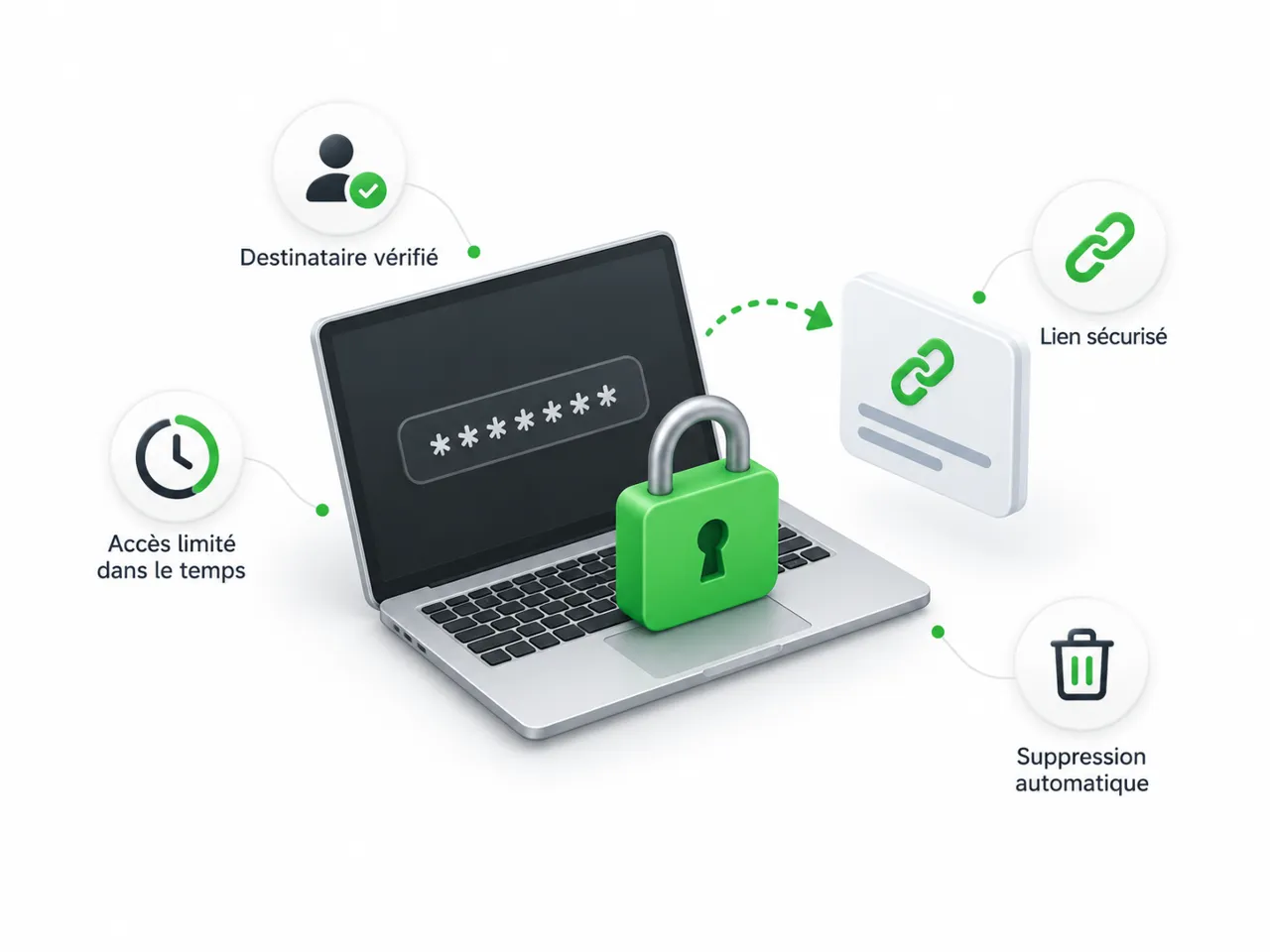
With OnlyU, the secret does not appear in the message sent to the recipient. You create the secret in OnlyU, define its access conditions, then transmit the generated link. Depending on the features used, you can notably define:
The content is encrypted on the sender's device, then decrypted on the recipient's: in the normal operation of the service, OnlyU does not have access to the secret in plain text.
This depends on the mechanism used.
If you protect the link with an additional secret code that you choose yourself, transmit this code separately from the link: it is this separation that makes the whole benefit of the protection. For example:
This principle of separation is particularly relevant when the consequences of unauthorized access would be significant.
When access concerns personal data, the GDPR requires implementing a level of security appropriate to the risk. Its Article 32 notably mentions encryption, as well as the ability to preserve the confidentiality and integrity of data.
No single tool makes an organization "GDPR compliant" on its own. Security also depends on:
Technology does not replace a good procedure: it helps ensure it is followed.